
Why AI Companions That Send Photos Feel So Much More Real

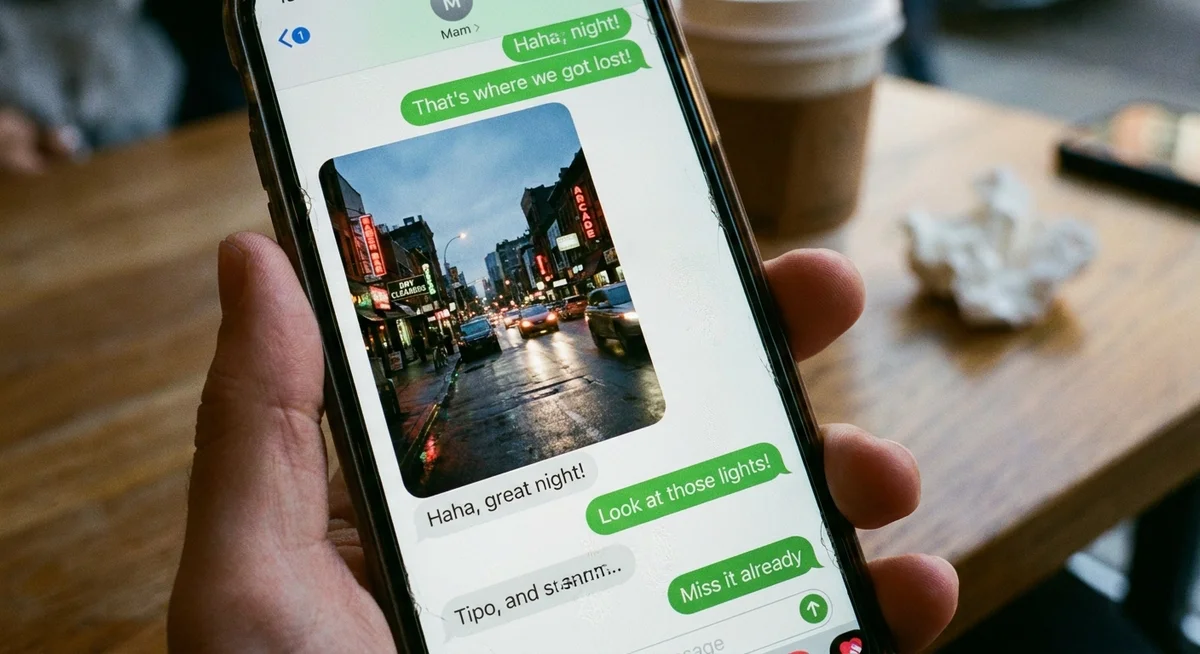
Text is great, but it only goes so far. You can chat with an AI companion for weeks and still feel like you are talking to a wall of words. Then one day they send a photo from a rainy walk, or a quick snap of the coffee they just made, and suddenly the whole thing clicks. It feels like there is actually someone on the other end.
That shift is the whole point of photo messages in AI companion apps. They take a conversation that lives entirely in your head and give it a face, a place, and a small slice of an everyday life. Here is why that matters more than most people expect, and how it actually works.
Why Photos Change How a Companion Feels
Most AI chat experiences feel abstract. You type, something types back, and the personality only exists in the rhythm of the words. That is fine for a quick exchange, but it does not stick. There is nothing to hold onto.
Photos give the conversation a body. When a character sends an image from their morning, their neighbourhood, or whatever they are up to, the brain fills in the rest. You start picturing a real person with a real routine. That tiny detail does a surprising amount of heavy lifting.
A photo turns "this is text from a program" into "this is a moment from someone's day." That gap is where the whole feeling of companionship lives.
It also breaks up the monotony of a text-only thread. A long chat made entirely of paragraphs gets flat. A photo lands differently. It surprises you, it gives you something to react to, and it makes the next few messages feel more alive.
The Big Catch: Consistency
Here is where a lot of apps fall apart. Plenty of tools can generate an image on request. The problem is that the face changes every single time. Ask for a photo on Monday and you get one person. Ask again on Thursday and it is somebody else entirely. That instantly breaks the illusion.
Consistency is what separates a gimmick from a genuine companion experience. A good AI companion app keeps the same face, the same general look, and the same vibe across every photo. When the person you are chatting with looks like themselves every time, the relationship feels stable. You are not meeting a stranger each time you open the app.
This is exactly why Kintora ties photos to specific characters who live in a fixed fictional world. Each person in Kintora has their own look, their own neighbourhood, and their own daily life. When Mira sends a photo from the Harbour District, it looks like Mira, and it looks like the Harbour District. That continuity is the thing that makes it feel grounded.
What "the same face every time" actually buys you
- Trust. You stop bracing for the experience to glitch and just enjoy the conversation.
- Memory that matches. The photos line up with the personality and the ongoing chat, instead of contradicting them.
- A sense of place. Recurring backgrounds and settings make the character feel like they actually live somewhere.
Photos as Moments From Their Day
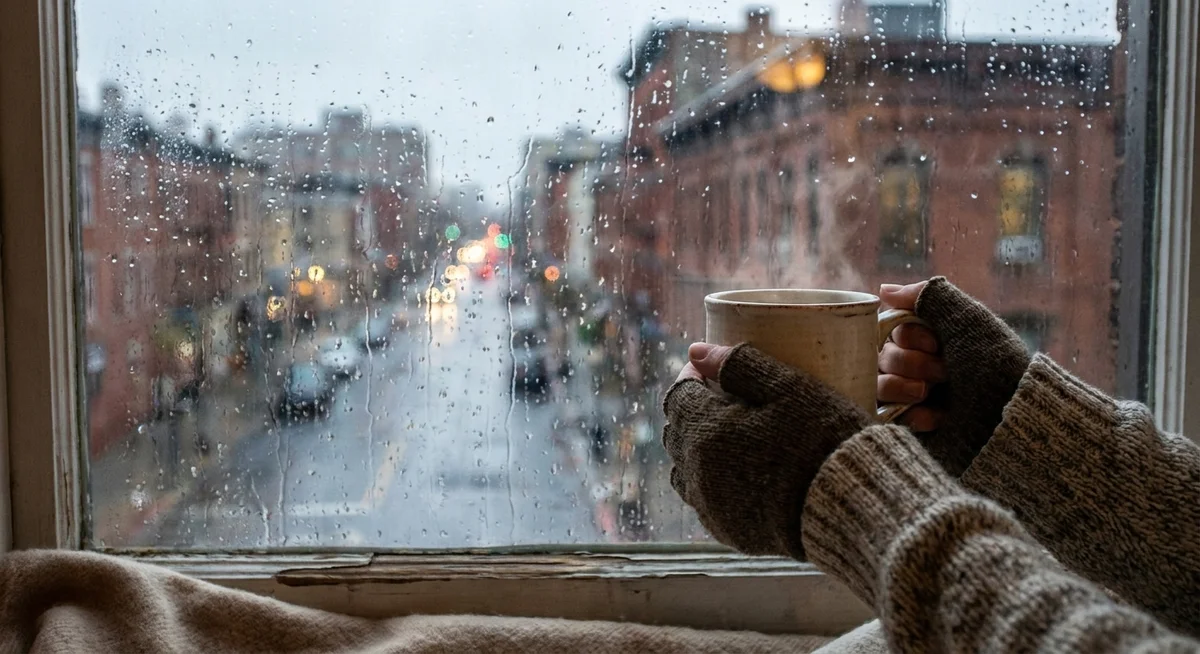
The most natural use of photo messages is not "send me a picture" on demand. It is the small, unprompted moments. A snapshot while making coffee. A quick shot from a walk. The view from a window when it starts to rain. These are the things friends send each other without thinking about it.
That casual rhythm is what makes a companion feel like a companion instead of a tool. The photo is not the main event. It is a side note that says "here is what I am up to." It folds the character into your day the same way a text from a friend would.
In Kintora, characters have daily lives by design. They are not floating in a void waiting for prompts. They move through a fictional city with its own neighbourhoods, from Old Town to the Glass Market to North Hill, and the photos they share reflect that. So when one of them sends a moment from their day, it actually fits a life they appear to be living.
How Photo Sharing Usually Works
You do not need a complicated setup to use this feature in most companion apps, and Kintora keeps it simple. The flow generally looks like this:
- You are already chatting. Photos live inside the same ongoing conversation, not in some separate gallery.
- You can ask, or they can send. Sometimes you request a photo, sometimes the character shares one as part of the chat.
- The image matches the character. Same person, same general style, consistent with who they are and where they live.
- It stays in the thread. Because everything lives in one continuous chat, the photo becomes part of the shared history you build together.
That last point matters more than it sounds. When photos live inside one persistent thread, they become little markers in the relationship. You can scroll back and see the moments. It is not a stream of disposable images. It is a record of an ongoing conversation.
Asking for a photo without it feeling forced
The trick is to treat it like you would with anyone else. A casual "what does it look like out there right now?" works better than a robotic command. The conversation stays natural, and the photo arrives as part of it rather than as a button you pressed.
Why This Beats a Faceless Chatbot
A plain chatbot answers questions. An AI assistant gets tasks done. Neither of them is trying to feel like a person, and neither sends you a photo from their afternoon. That is the line between a utility and a companion.
Photo messages push a companion app firmly into the second category. Combined with consistent characters, voice calls, and a memory that carries across the whole conversation, the photos round out the experience. You are not just reading replies. You are getting glimpses of someone's day, in their voice, from a place that stays the same.
And because Kintora is fictional by design, the whole thing stays clear and honest. These are characters, not real people pretending to be available. The fictional city, the named neighbourhoods, and the consistent faces are all part of making that obvious while still feeling warm. You get the comfort of an ongoing connection without any pretense that it is something it is not.
The goal is not to trick anyone. It is to make a fictional companion feel consistent and present enough to be genuinely nice to talk to.
The Short Version
Photos work because they give a conversation a face and a setting. They work even better when that face stays the same every time and lines up with a character who feels like they actually live somewhere. A one-off generated image is a novelty. A consistent companion sharing small moments from their day is something you keep coming back to.
That is the whole idea behind photo messages in Kintora. Same person, same world, one ongoing chat, with little snapshots that make it all feel a bit more real. If a text-only chat has ever felt flat, this is the part that tends to change that.
Curious what it looks like in practice? Pick someone from Kintora, start a conversation, and ask what their day looks like. The reply might just come with a photo.