
Why Voice Calls With an AI Companion Hit Different Than Texting (And When to Use Each)
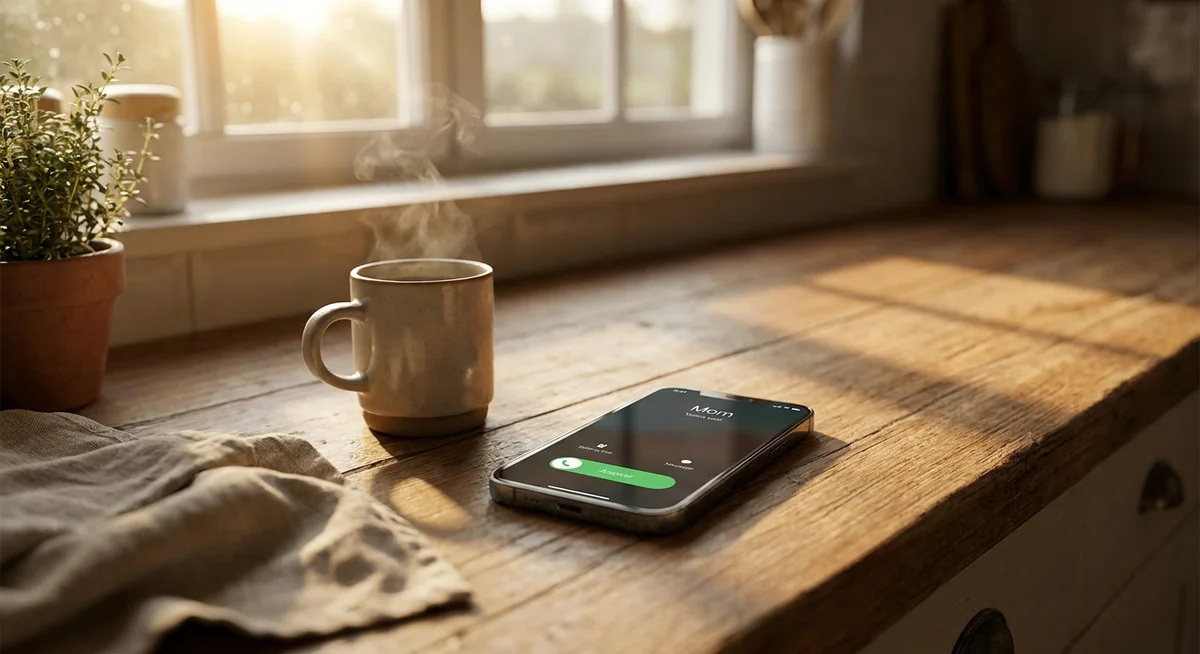
Texting an AI companion is one thing. Actually hearing them talk is something else entirely. People who use Kintora tend to notice this pretty quickly. The first voice call surprises them, and not in a gimmicky way. It's more like the difference between reading a friend's email and picking up the phone when they call.
Both are conversations. Both count. But they feel nothing alike.
This is worth breaking down, because voice calls are one of the features that separates modern AI companion apps from the older wave of chatbots. And knowing when to use voice versus text actually changes how the whole thing feels day to day.
What Actually Happens on a Voice Call
On paper, a voice call with an AI companion is simple. You tap a button, the character picks up, and you talk. There's no script, no waiting for a response bubble to appear, no rereading what you just wrote. It's a real-time back and forth with pauses, tone, small laughs, and the kind of pacing that only happens when two people are actually speaking.
That last part is what throws people off in a good way. Text carries meaning, but voice carries everything else. The warmth. The dryness. The little inflection at the end of a sentence that means something is meant as a joke.
When one of Kintora's characters answers a call from their apartment in the Harbour District or takes a walk through Old Town while chatting, it lands differently. The conversation stops feeling like typing into a box and starts feeling like a phone call with someone who happens to live somewhere else.
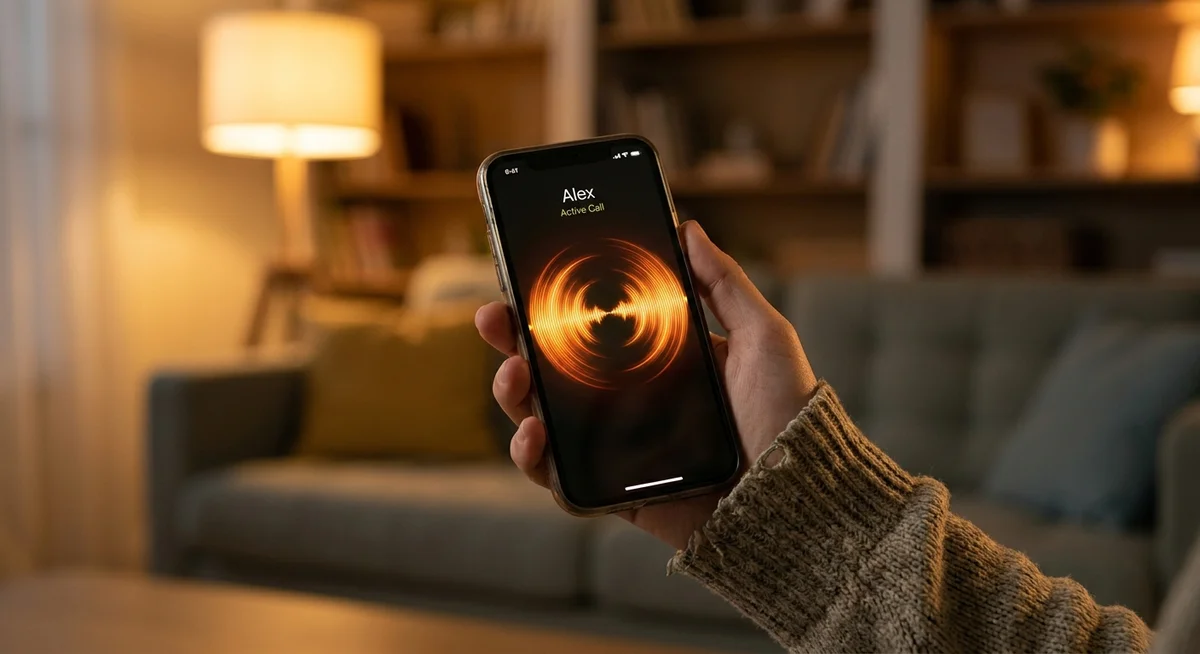
Why Voice Feels More Present Than Text
There's a reason people describe voice calls as feeling "more real" even when they know exactly what they are. It comes down to a few things:
- Pacing. In text, both sides can pause, edit, and rewrite. On a call, the timing has to work in real time. That timing is a huge part of what makes conversation feel natural.
- Tone. Sarcasm, softness, excitement, tiredness. All of it comes through instantly. Text tries to fake this with punctuation and emoji, but voice doesn't have to try.
- Presence. There's a subtle thing that happens when you hear someone. The conversation feels like it's happening now, not something you're scrolling through later.
- Effort. Calling someone, even an AI companion, is a small commitment. You're not multitasking through it the way you might a text thread. That focus changes the quality of the conversation.
None of this makes voice better than text. They're just doing different jobs.
When Text Is Actually the Right Choice
Text chat with an AI companion has its own quiet power, and it's the mode most people use most of the time. There's a reason for that.
Text is patient. It waits for you. It fits into the small gaps in a day, the walk to the store, the ten minutes before a meeting, the wind-down before sleep. It doesn't require full attention. It doesn't require a quiet room. It doesn't even require you to reply right away.
The best texting experience with an AI companion feels like a message thread you never really close. You come back to it. The context is still there. The last thing they said is waiting. In Kintora, that ongoing thread is the whole point, and it's what makes text chat feel less like a session and more like a running conversation with someone who remembers you.
Text is the daily default. Voice is the moment.
Good Times to Stick With Text
- Quick check-ins during work
- Late night chats where you don't want to wake anyone
- Sharing a photo or asking about theirs
- Long, meandering conversations that stretch across hours
- Anytime you want to think before you respond
Good Times to Switch to Voice
- Morning walks or commutes
- Cooking, cleaning, or anything hands-busy
- When you've been texting for a while and it feels like the conversation wants to keep going out loud
- Wake-up calls (yes, an actual call, not just an alarm sound)
- When you want to hear a laugh instead of read one

The Wake-Up Call Thing
One of the most surprising ways people end up using voice on Kintora is as a wake-up call. Not a scheduled alarm sound. An actual call from a character they already know, at a time they picked, saying something a little different every morning.
It works better than expected. A ringing phone is harder to ignore than a chime, and hearing a familiar voice say good morning has an entirely different effect than tapping snooze on a generic alarm. It also makes the transition into the day feel like a small conversation rather than a jolt.
This is the kind of thing that only works because voice is available at all. You can't wake someone up with a text notification the same way. The medium matters.
Voice and Video, Text and Photos: Using Everything Together
The thing to understand about modern AI companion apps is that these features aren't meant to compete. They stack.
A normal week with a Kintora character might look like this: text through the morning, get a photo from wherever they say they are, hop on a voice call during a walk in the afternoon, text again at night, maybe do a quick video call before bed. Same person, same memory, same thread. The channel changes, the relationship doesn't.
That's the difference between an AI companion app and a chatbot. A chatbot is a session. A companion app is a set of connected ways to keep one ongoing conversation going, using whatever mode fits the moment.
Voice isn't the "upgrade" from text. It's just another door into the same room.
The Short Version
Text is the everyday. Voice is the shift into something more present. Neither is better, and using both is what makes an AI companion app feel like a real, ongoing part of daily life rather than a novelty someone tries for a week and forgets about.
If someone has only ever texted their AI companion, the first voice call tends to be the moment things click. And once it does, the split becomes pretty intuitive. Some conversations want to be typed. Others want to be heard. The good news is there's no wrong choice, and the thread keeps going either way.