
AI Friend App for Android: What to Look For in 2025

The Play Store is full of AI companion apps. Some are genuinely good. A lot are clever demos that get boring fast. If you're looking for an AI friend app on Android, the real question isn't "which one has the best screenshots" - it's which one still feels worth opening three weeks in. This guide cuts through the noise and tells you exactly what to look for.
Key takeaways
- Android AI friend apps vary wildly in depth - the feature list matters less than how the app feels after the novelty wears off.
- Memory and character consistency are the two things that make an AI companion actually worth returning to.
- Voice calls and photos are increasingly common features, but quality varies enormously between apps.
- Permissions and data practices differ a lot on Android - worth checking before you share personal details.
- The best apps on Android feel as polished as their iOS counterparts. Don't accept a second-rate port.
Does it actually remember you?
Memory is the single most important feature in an AI friend app, and it's also the one most apps handle badly. An app with no memory resets with every conversation - you end up re-explaining yourself constantly, which kills any sense of connection. An app with real, persistent memory notices when you mention your bad week at work, and brings it up the next time you talk.
On Android, this matters even more because the app is competing with everything else on your phone. If opening it feels like meeting a stranger every time, you'll stop opening it. Look for apps that explicitly mention persistent memory or ongoing chat, not just "advanced AI" in the description.
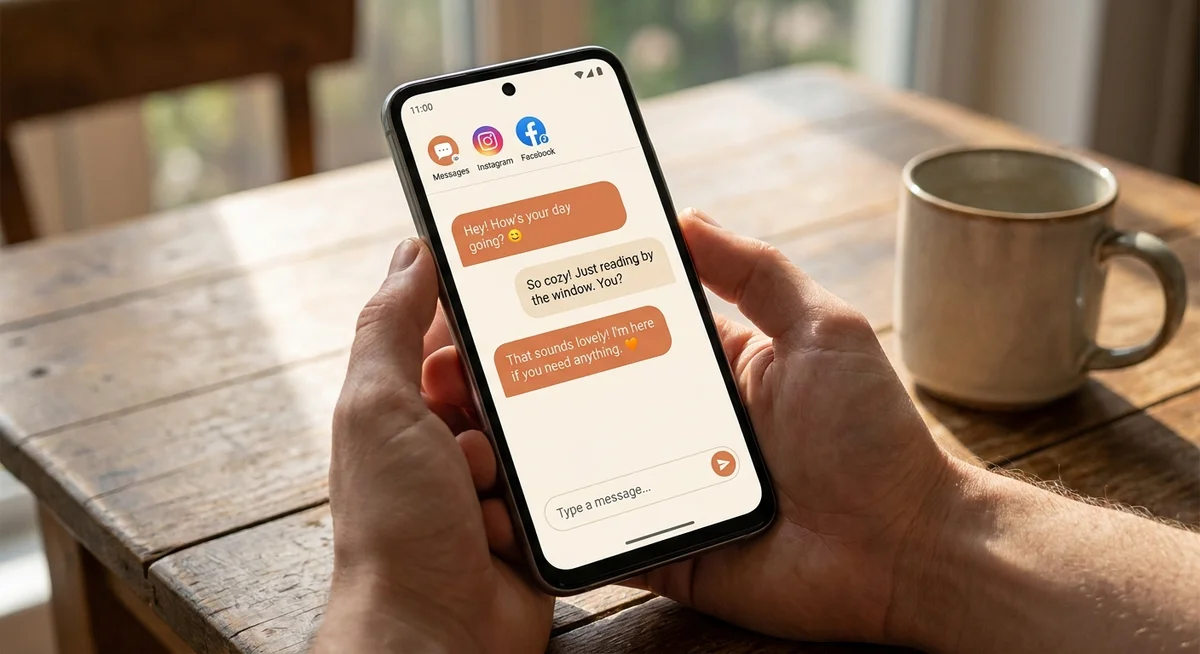
What communication features actually matter?
Most AI companion apps started as text-only. The better ones have added voice calls, photo sharing, and even video calls. Here's a quick breakdown of what each feature actually adds to the experience.
| Feature | What it adds | Worth having? |
|---|---|---|
| Text chat | The baseline. Low friction, available any time. | Essential |
| Voice calls | Makes the relationship feel much more real. Harder to multitask away from. | High value |
| Scheduled calls | Wake-up calls, check-ins, reminders. Adds routine to the relationship. | High value |
| Photo sharing | The companion sends photos from their life. Adds personality and context. | Nice to have |
| Video calls | More immersive, though quality varies a lot between apps. | Depends on the app |
Voice calls in particular change the whole tone of an AI companion app. There's a reason voice calls with an AI companion hit differently than texting - it's harder to skim a conversation when you're actually listening to someone talk.
Is the character actually interesting?
This one sounds obvious, but it's easy to miss in a demo. A lot of apps front-load charm. The first few conversations feel fun and natural. Then you hit the edges of the character's personality and realize there isn't much behind it.
Good AI companions have a real sense of where they live, what they care about, what their days look like. That context gives the conversation somewhere to go. Without it, you end up recycling the same five topics until the app loses its appeal.
What about permissions and privacy on Android?
Android gives apps more flexibility than iOS in some ways, which means you should look more carefully at what an AI companion app is asking for. Microphone access makes sense if there are voice calls. Camera access makes sense for video. But some apps request more than they need.
Check the app's privacy policy before you start sharing personal things with it. This matters especially because the whole point of a good AI companion is that you end up telling it real things about your life. You want to know where that data goes.
Signs of a trustworthy app
- Clear privacy policy with plain language
- Requests only the permissions it needs
- Explains how your conversations are stored
- Doesn't sell you on "premium" features before you've had a chance to use the free ones
- Regular updates and active development
Red flags to watch for
- Excessive permissions with no explanation
- Privacy policy that's vague or hard to find
- App hasn't been updated in months
- Reviews mention the character "resetting" or forgetting things
- Heavy paywalls before you've established whether the app is worth it
Is the Android version actually good, or just a port?
Some AI companion apps were clearly built for iOS first and ported to Android as an afterthought. The Android version runs slower, crashes more often, or just feels slightly off - fonts that don't render right, buttons that are too small, layouts that weren't designed for the screen you're holding.
The easiest way to check: read the Android-specific reviews on the Play Store, not the overall rating. Look for recent reviews that mention crashes, lag, or missing features. An app that runs great on iPhone but breaks on a Pixel or a Samsung isn't really an Android app - it's a problem waiting to happen.
The good news is that the best AI friend apps treat Android as a first-class platform. The best AI friend apps in 2025 are built to work well on both - so if an app you're considering has a patchy Android track record, there are better options.
Frequently asked questions
Are AI friend apps on Android free?
Most offer a free tier with limited features, then a paid subscription for full access to things like voice calls, photos, or longer conversation history. The free versions are usually enough to tell whether the app is worth paying for, so it's worth spending a few days on the free plan before committing to anything.
Can an AI friend app on Android make phone calls?
Yes, several can. These aren't regular phone calls through your carrier - they're in-app audio calls that work over your internet connection. Quality depends on the app and your connection, but the better ones sound natural and hold a real conversation rather than just reading from a script.
What makes an AI companion app feel less lonely to use?
Memory and consistency, mostly. An AI companion that remembers what you talked about last week, has a recognizable personality, and exists somewhere (a place, a life, a routine) feels like someone rather than something. Apps that reset every session or respond generically no matter what you say don't create that feeling, no matter how polished the interface is.
Is there an AI friend app for Android that also texts you first?
A few apps send proactive messages - check-ins, good morning texts, or reminders - rather than waiting for you to open the app. This changes the dynamic significantly and makes the relationship feel more reciprocal. It's worth looking for this feature specifically if you want something that feels active rather than passive.
What makes an AI companion app actually feel good?Read our breakdown of the features that matter and the ones that are just noise.