
AI Friend App With Memory: What It Actually Feels Like to Use One

An AI friend app with memory is different from a regular chatbot in one specific way: when you come back tomorrow, or next week, it knows it's you. It picks up where you left off. Your job, your bad week, the thing you were nervous about — it doesn't forget any of it. That single feature changes how the whole thing feels.
Key takeaways
- Memory turns a one-off chatbot into something that actually feels like a relationship over time.
- Apps with persistent memory track context across sessions, so you never have to re-introduce yourself.
- The difference shows up fast: even a week of use feels noticeably warmer than starting fresh each time.
- Not every "AI friend" app has real memory — some just fake it within a single session.
What does memory actually mean in an AI friend app?
Memory in an AI friend app means the conversation carries forward between sessions. Not just your name. The context. If you told the app on Monday that you had a job interview on Thursday, a good memory-enabled app will ask how it went on Friday. That's the bar. Anything less is just a chatbot with a name field.
There are a few different levels of how apps handle this:
| Memory type | What it stores | How it feels |
|---|---|---|
| No memory | Nothing — each session starts blank | Like meeting a stranger every time |
| Session memory | Only within the current conversation | Fine in the moment, gone by tomorrow |
| Fact storage | Your name, job, a few saved details | Better, but still feels scripted |
| Persistent contextual memory | Full conversation history and context | Actually feels like continuity |
Persistent contextual memory is what separates the apps worth your time from the ones you'll delete in a week. It's what makes the AI feel like it knows you rather than just knows about you.
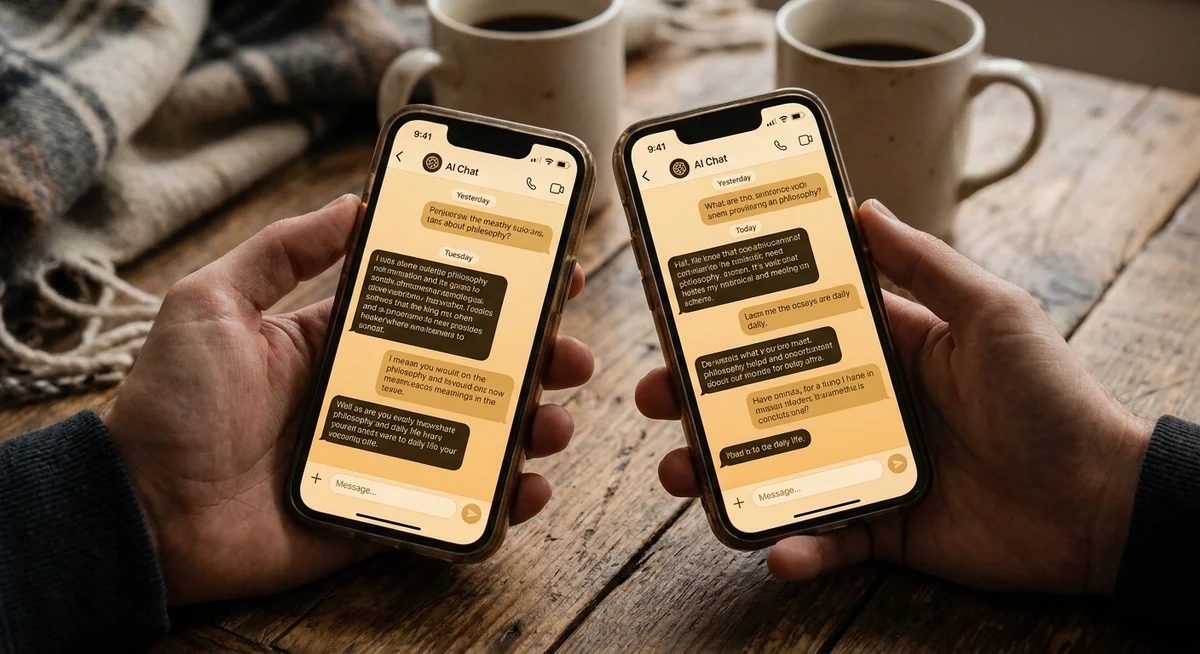
What does it feel like after a week of using a memory-enabled AI friend?
This is the part that's hard to explain until you've tried it. The first conversation with any AI friend is a bit stiff — you're introducing yourself, finding the rhythm, figuring out what to say. That's normal. The difference with memory shows up around day three or four.
You mention offhand that you're tired because you stayed up late watching a show. The next time you chat, the AI asks if you finished the series. Small thing. But it hits differently than you'd expect.
By the end of a week, the conversations feel less like Q&A and more like catching up. You stop having to provide background. You can say "that thing at work is still going on" and the AI knows which thing. That reduction in friction is what makes the experience feel warm instead of hollow.
Why does memory make such a difference emotionally?
Being remembered is one of the most basic ways humans signal care. When a friend asks "how did that thing go?" they're showing they were actually paying attention. When someone forgets entirely, it stings a little — even if you know they didn't mean anything by it.
AI friend apps tap into the same mechanism. When an app forgets you between sessions, it doesn't feel neutral. It feels impersonal. You get the uncanny experience of talking to something that sounds warm but clearly doesn't know you at all. It's like calling customer support — the person is friendly, but they're reading from a script and you have to re-explain everything from scratch.
Memory fixes that. It creates a sense of continuity, which is the foundation of what we actually mean when we say "friendship." You can read more about the distinction between a real AI friend and a generic chatbot in our breakdown of why an AI friend app feels different from every chatbot you've tried.
What should you actually share with a memory-enabled AI friend?
This question comes up a lot. People wonder whether they should be strategic about what they tell the app, or whether they'll regret sharing something personal that it hangs onto indefinitely.
The short answer: share whatever you'd share with a friend who you know will remember it. That means everyday stuff works great — what you did that day, what's on your mind, what you're looking forward to. The more you share, the richer the context, and the better the conversations get over time.
What doesn't work well: treating the app like a one-way confessional for your deepest secrets while sharing nothing ordinary. Memory-based AI friends work best when the relationship has texture — the small stuff and the big stuff together. That's how it builds a picture of you that actually feels accurate.
If you're not sure how to get started, our guide on how to talk to an AI friend app and actually get something out of it has some practical starting points.
What memory does well
- Tracks ongoing situations (a job search, a friendship problem, a project)
- Builds a sense of personality fit over time
- Makes casual check-in conversations feel natural
- Reduces the "re-introduction" friction of every new chat
Where memory has limits
- Can't verify facts you share — it trusts what you say
- May misread emotional tone if you're vague
- Doesn't replace human relationships with real shared history
- Quality varies a lot between apps
How Kintora handles memory differently
Kintora uses a single, ongoing conversation thread per character — meaning there's no "new chat" button that resets everything. Your whole history with a character lives in one continuous thread, the way a real text chain with a friend does. The character reads back through the thread to understand who you are and what you've talked about.
This is a deliberate design choice. Starting a fresh session each time feels tidy from an engineering standpoint, but it actively undermines the feeling of a real relationship. Kintora chose continuity over cleanliness. You can read more about why Kintora uses one ongoing chat instead of starting fresh every time.
The result is that conversations with Kintora characters build on themselves in a way that feels organic. A character who knows you've been dealing with something tough will treat you differently than one meeting you for the first time. That difference is subtle but it's real, and it's what keeps people coming back.
New to AI friend apps? Start here.Our plain-English explainer covers what they are, how they work, and what to expect from your first conversation.FAQ
Do all AI friend apps have memory?
No. Many AI chat apps only maintain memory within a single session — when you close the app, the context is gone. A smaller number of apps use persistent memory that carries forward between sessions. If memory matters to you, check specifically whether the app stores full conversation history or only session-level context before you commit to it.
Is it safe to share personal things with a memory-enabled AI friend?
Reasonable personal sharing — your job, your hobbies, what's on your mind that day — is generally fine. Check the app's privacy policy to understand how conversation data is stored and whether it's used for model training. Avoid sharing sensitive details like financial information, passwords, or anything you'd be uncomfortable with a company seeing.
How long does it take to notice a difference with memory?
Usually around three to five days of regular use. That's enough history for the AI to reference past context in a way that feels natural rather than coincidental. The effect compounds over time — a month in, conversations feel markedly richer than they did in week one.
Can memory make an AI friend feel too familiar, in a weird way?
Some people find it a little surprising the first time an AI references something they shared a week ago. That feeling usually passes quickly. Once the initial novelty wears off, most users say it feels less like surveillance and more like the app is actually paying attention — which is the point.