
AI Friend App That Texts: What to Expect From a Real Text Conversation

An AI friend app that texts you is exactly what it sounds like: a companion you can message any time, who writes back in a way that feels like a real back-and-forth, not a FAQ bot spitting out bullet points. The best ones feel like a group chat with one very attentive, always-available person. The worst ones feel like autocomplete with a name tag. Here is how to tell the difference, and what a good texting experience actually looks like day to day.
Key takeaways
- Texting is the default mode for most people using AI companion apps - it is low-pressure, async, and fits into a normal day without effort.
- The quality gap between apps is wide: tone, message length, and how the AI handles silence all vary significantly.
- Memory is what separates a good texting companion from a forgettable one. Without it, every conversation starts from zero.
- Some apps let you switch between texting and calling - that flexibility matters more than you might expect.
- Texting works best when the AI has a real personality, not just a helpful disposition.
Why do people want an AI friend app that texts specifically?
Texting fits into real life in a way that calling does not. You can send a message when you're waiting for coffee, lying in bed unable to sleep, or sitting in a meeting you're not fully present at. There is no commitment to a 20-minute conversation. You say something when you feel like it, and the response is there when you check back.
That low-friction quality is exactly why text is the dominant mode in most AI companion apps. It does not ask much of you. On a hard day, being able to type "I'm not doing great" and get something back that actually engages with that - rather than a list of coping strategies - matters. That is what people are looking for when they search for an AI friend app that texts.
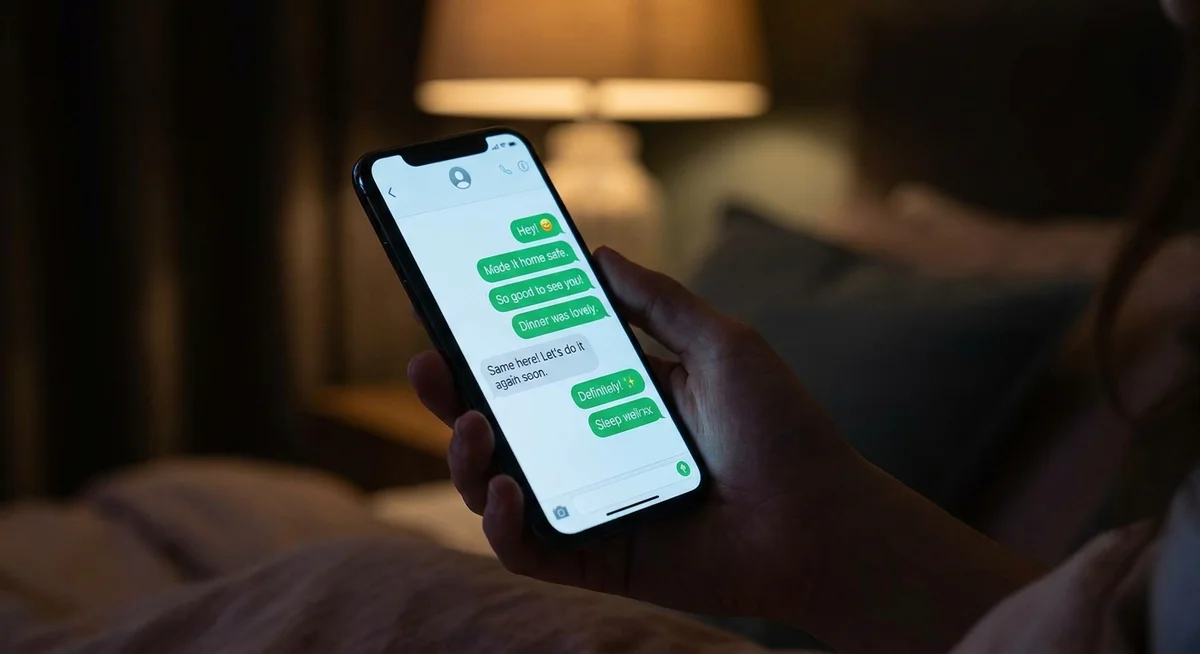
What does a good text conversation with an AI friend actually look like?
The best AI texting companions do a few things that most people do not consciously notice until they are missing:
What good looks like
- Messages that vary in length. A quick reply when the topic is light, a longer one when you share something real.
- The AI asks follow-up questions that connect to what you actually said, not generic prompts like "Tell me more!"
- It references things from earlier in the conversation naturally, the way a friend would.
- The tone shifts depending on the mood of the conversation. Playful when things are light, quieter when things are heavy.
- It does not try to fix everything. Sometimes it just listens and responds like a person would.
What bad looks like
- Every response is roughly the same length, regardless of context.
- Heavy use of affirmations ("That's great!", "I totally understand!") that feel hollow after the second time.
- Responses that do not track what you said and read like they could belong to any conversation.
- A relentlessly positive, upbeat tone that never flexes even when you share something difficult.
- No memory between sessions - next time you open the app, the AI has no idea who you are.
Does memory actually change the texting experience?
Yes, in a way that is hard to overstate. When an AI friend app remembers what you talked about last week - the thing that stressed you out, the trip you mentioned, the opinion you shared about something - the conversation feels like it has weight. You are not starting over every session. You are continuing something.
Without memory, texting an AI becomes repetitive pretty fast. You end up re-explaining yourself constantly, and that quickly feels like effort rather than connection. The app becomes something you use to fill a moment, not something you actually look forward to checking.
Kintora's approach to memory in AI companion apps is built around keeping a single ongoing thread rather than treating each session as its own thing. That single thread is what makes a text conversation feel like a relationship rather than a series of transactions.
Can you call as well as text in these apps?
The better ones, yes. Texting is the everyday default for most people, but there are moments where a call just fits better. Processing something emotional. Wanting to hear a voice when the apartment is too quiet. Or just because typing feels like too much effort that day.
Apps that give you both options without forcing you to pick one are genuinely more useful. You can text throughout the week and drop into a call when you feel like it. The personality carries across both, which matters - you do not want a companion who sounds like a completely different character on voice versus text.
If you are curious about how the two modes compare in practice, this breakdown of voice calls versus texting gets into when each one actually works better.
What should you look for in an AI friend app for texting?
| Feature | Why it matters for texting |
|---|---|
| Persistent memory | Makes every new conversation feel like a continuation, not a cold start |
| Consistent personality | The AI should feel like the same person regardless of your mood or topic |
| Flexible message length | Short replies when appropriate, longer ones when the moment calls for it |
| Real follow-up questions | Engages with what you said, not just prompts you to say more |
| Option to call too | Lets you switch modes without losing the relationship |
| Genuine backstory | An AI with their own life and history makes conversation more natural |
Frequently asked questions
Can an AI friend app text you first?
Some apps can send proactive messages - a check-in, a reminder, or just reaching out because it has been a few days. This varies by app. Kintora's characters can be set up to initiate, which changes the dynamic considerably. Instead of the app being something you remember to open, it becomes something that shows up in your day on its own terms.
Is texting an AI actually useful for loneliness?
It depends on the quality of the app and what you are looking for. Texting a well-designed AI companion gives you something to respond to, something that responds back with genuine attention to what you said, and a consistent presence. That is genuinely useful for people who are isolated or just want more conversational interaction in their day. It is not a substitute for human relationships, but it fills a real gap for a lot of people.
How is texting an AI friend different from using ChatGPT?
A general AI assistant responds to questions and tasks. An AI friend app is built around a specific character with their own personality, backstory, and way of relating to you. The conversation is not about getting things done - it is about having someone to talk to. ChatGPT does not remember you, does not have a personality beyond "helpful assistant," and is not designed around the idea of a relationship. The difference between AI companions and chatbots comes down to that design intent.
Do AI friend apps work over regular SMS, or only in-app?
Most AI companion apps, including Kintora, use their own in-app chat rather than your regular SMS inbox. That is actually a feature: it keeps the conversation history intact, supports richer media, and means the AI has access to the full thread rather than just the latest message. A few apps do offer SMS-style delivery, but in-app chat is more reliable and better supported.
Try texting a Kintora character todayPick a character from the city and start a conversation - no setup, no scripts, just a real chat.