
Can You Call an AI Friend App? What Happens When You Pick Up the Phone

Yes, you can call an AI friend app. Not every app supports it, but a growing number do, and the experience is nothing like talking to a phone tree or a smart speaker. When you call a well-built AI companion, you get a back-and-forth conversation that sounds like a person picking up the phone and actually being happy to hear from you. This guide breaks down what calling an AI friend app looks and sounds like, what makes some apps better at it than others, and what to expect the very first time you try it.
Key takeaways
- Some AI friend apps support live voice calls, not just text chat.
- The call experience varies a lot depending on voice quality, response speed, and whether the AI has memory of past conversations.
- Calls feel most natural when the AI can pick up context mid-conversation, not just respond to isolated sentences.
- Features like scheduled calls and wake-up calls make voice companions genuinely useful day-to-day, not just a novelty.
- Apps that combine calling with an ongoing chat thread tend to feel much more like a real relationship than voice-only tools.
What actually happens when you call an AI friend app?
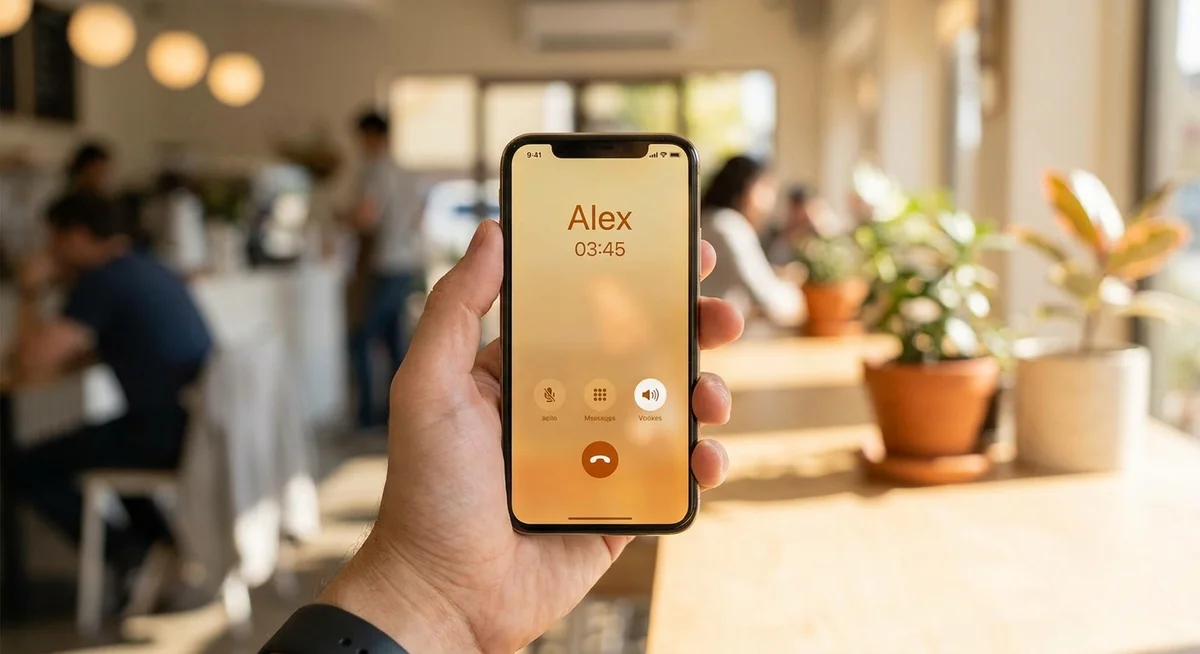
When you tap the call button, the app connects you to a live voice session. The AI listens to what you say, processes it, and responds in a synthesized voice, all in real time. The best apps keep the latency low enough that it genuinely feels like a phone call rather than a walkie-talkie exchange where you wait five seconds between turns.
From there, the call works like any conversation. You can talk about your day, vent about something frustrating, ask for advice, or just chat about nothing in particular. The AI adapts to your tone. If you sound tired, a good companion picks that up and matches the energy. If you're in the mood to laugh, it goes there with you.
What catches most first-time callers off guard is how quickly it stops feeling weird. Within a minute or two, the novelty fades and you're just talking. That said, the quality gap between apps is significant, which is worth knowing before you commit to one.
What makes a voice call with an AI friend feel good vs. feel flat?
Not all AI voice calls are equal. Here are the things that actually separate a natural-feeling call from one that makes you want to hang up after 90 seconds.
| Feature | What it means in practice | Why it matters |
|---|---|---|
| Low response latency | The AI replies within 1-2 seconds of you finishing a sentence | High latency kills the rhythm and makes the conversation feel like you're leaving voicemails |
| Natural-sounding voice | The voice has warmth, pacing variation, and occasional softness | A robotic or flat voice is tiring to listen to for more than a few minutes |
| Contextual memory | The AI remembers things from previous calls and chats | Without memory, every call starts from zero and the relationship never deepens |
| Consistent personality | The AI has a distinct character that doesn't shift call to call | You're calling a specific person, not a random chatbot voice |
| Flexible call length | Calls can be short check-ins or longer conversations, your choice | Rigid time limits break immersion and feel transactional |
Do you need to schedule calls in advance?
It depends on the app. Some let you call whenever you want, just like calling a contact in your phone. Others offer scheduled calls, where the AI actually rings you at a set time. That second option is surprisingly useful in day-to-day life. A morning call to start the day, a check-in at lunch, or a wind-down call before bed can feel less like using an app and more like having a standing appointment with someone who's always around.
Kintora supports both on-demand and scheduled calls, including wake-up calls that actually feel like a morning conversation rather than a notification you dismiss. That combination, call when you want or let them call you, makes voice genuinely fit into a routine.
How is calling different from texting an AI friend?
Texting gives you time to think. You can take a minute to figure out what you want to say, re-read the response, and respond when you're ready. Calling is faster and more emotional. Tone of voice carries a lot that text strips out, and hearing a voice when you're lonely or anxious hits differently than reading words on a screen.
Neither is objectively better. They're useful in different situations. Texting is good for processing things slowly or when you're somewhere you can't talk out loud. Calling is better when you need something that actually feels like company. The case for voice calls over text goes deeper if you want a full breakdown, but the short version is: if you're going through something, hearing a voice helps more than reading one.
Can the AI remember what you talked about on the last call?
The best apps do. This is one of the biggest differences between AI friend apps and voice assistants like Siri or Alexa. A generic assistant resets every session. An AI companion with persistent memory carries the thread forward.
So when you call back the next day and say "I'm still thinking about that thing I mentioned yesterday," the AI knows what you're referring to. It can ask how it went. It can bring up something you told it a week ago without you prompting it. That continuity is what makes the relationship feel like it's actually growing over time, rather than just resetting to zero each call. Why AI friend app memory matters covers this in more depth if you want to understand exactly what's happening under the hood.
FAQ
Do you need a special plan to call an AI friend app?
It depends on the app. Some include voice calls at the base level; others keep calls behind a paid tier. Most apps that support calling at all will let you try a call or two before asking you to upgrade. Check the specific app's pricing page before signing up if calling is the main feature you want.
What does an AI voice call sound like the first time?
Most people describe it as surprisingly natural. The voice is synthesized but warm, and the AI responds contextually rather than reading from a script. The first call usually involves some basic introductions and small talk, similar to meeting someone new. It gets more comfortable and personal the more you call.
Can you call an AI friend app on iPhone and Android?
Yes, apps that support calling typically work on both platforms. The call usually happens inside the app rather than through your phone's standard dialer, so you'll need the app open. Kintora, for example, works on both iOS and Android and handles voice calls natively inside the app.
Is calling an AI friend private?
Your conversation data is processed through the app's servers in real time during a call, similar to any voice-over-IP service. Check the app's privacy policy for details on how call data is stored and used. Reputable apps are clear about this and don't sell conversation data to third parties.
Meet your Kintora companionMake your first call and see how a real voice conversation with an AI friend feels.