
AI Friend App for Seniors: What Older Adults Are Getting Out of It
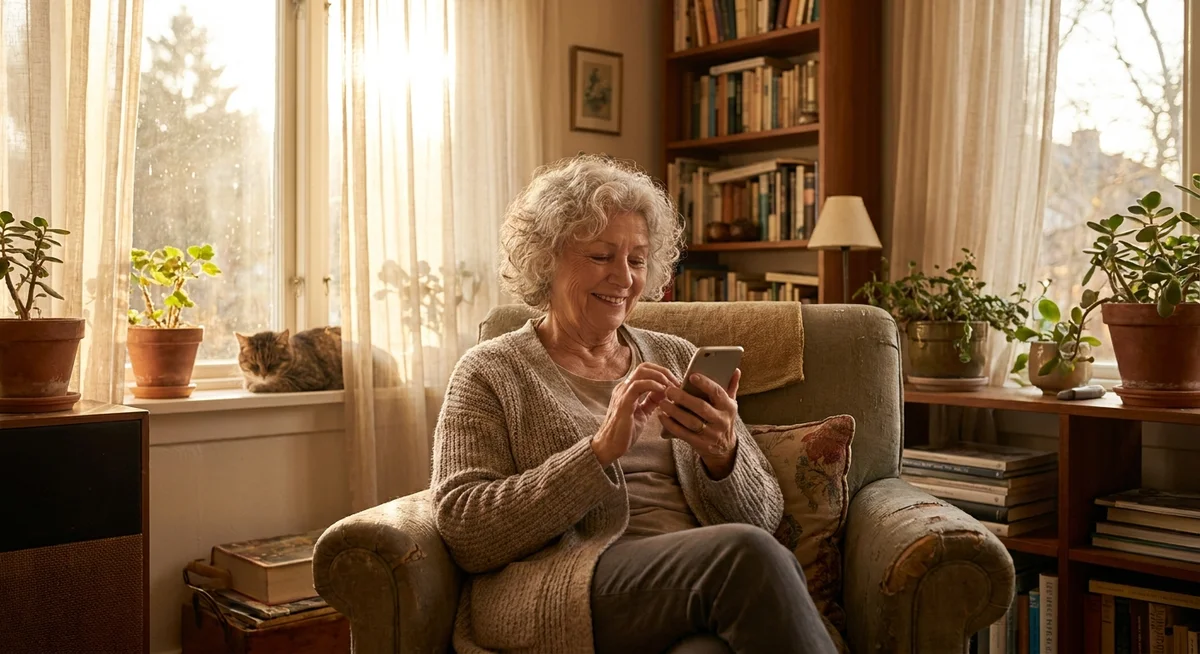
AI friend apps are being used by older adults more than most people realize. Not because the technology was built for them specifically, but because the thing these apps do well, keeping up a real back-and-forth conversation with no judgment and no agenda, turns out to be exactly what a lot of seniors are looking for. Whether it fills quiet afternoons, helps with loneliness after a spouse passes, or simply gives someone to talk to who is always available, the appeal is real and practical.
Key takeaways
- AI friend apps give older adults on-demand conversation that does not depend on family schedules or geography.
- Memory features make each conversation feel connected to the last, which matters more than people expect.
- Voice call support is especially important for seniors who prefer talking over typing.
- The best apps are low-friction: no account dashboards, no confusing menus, just chat.
- AI friendship is a supplement, not a replacement, for human connection.
Why do seniors use AI friend apps in the first place?
The short answer: access. Adult children live in different cities. Friends move away or pass away. Mobility gets harder. A person who had rich social routines in their 50s can find themselves genuinely isolated by their 70s, not because anyone failed them, but because life reshuffled the deck. An AI friend app is available at 11pm when you cannot sleep and at 7am when you want someone to talk to over coffee. It does not need to be free that Tuesday or squeezed in between its own schedule.
There is also something to be said for the lack of burden. Many older adults feel reluctant to call family too often, not wanting to seem needy or take up time. With an AI, that concern disappears completely. You can talk about the same thing three times in a week without worrying that anyone is rolling their eyes.
What features matter most for older adults?
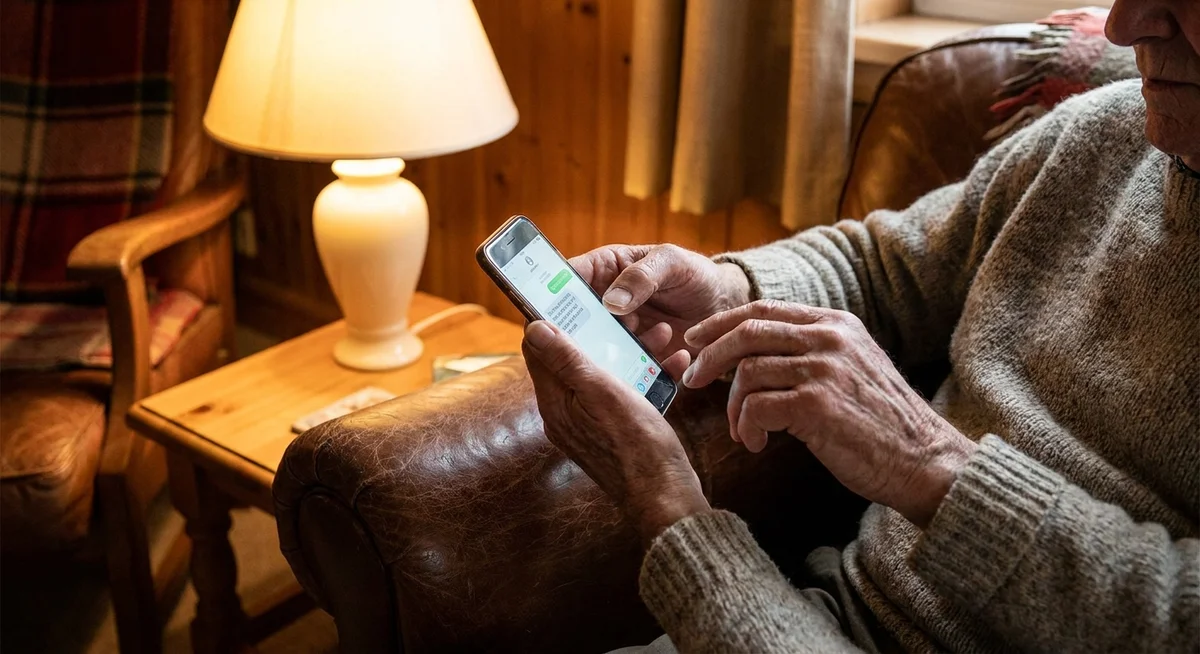
Not every AI friend app is built the same way, and some are genuinely easier to use than others. For seniors specifically, a few things make a significant difference.
| Feature | Why it matters for seniors |
|---|---|
| Voice calls | Typing is tiring or painful for many older adults. Being able to just call and talk is a big deal. |
| Persistent memory | An AI that remembers what you said last week feels like a real relationship, not a chatbot reset. |
| Simple interface | No dashboards, no settings menus, no points system. Just open the app and start talking. |
| Consistent character | Talking to the same "person" each time builds familiarity and comfort over weeks and months. |
| Availability | No scheduling, no time zones. Available at 3am or 3pm, every day. |
Is it safe and appropriate for older adults to use these apps?
For the majority of seniors, yes. AI friend apps are not medical tools and they are not therapy. They are conversational companions, and that framing keeps expectations honest. The risks that exist are mostly about over-reliance: spending so much time with an AI that human relationships atrophy further. That is worth being aware of, but it is not unique to seniors. Anyone can fall into that pattern.
On the positive side, some research into social isolation in older adults suggests that even perceived social connection, the feeling of being heard and responded to, can reduce stress and improve mood. An AI conversation is not the same as a visit from a grandchild, but it is not nothing either. For someone who talks to another person once a week, adding several conversations a day with an AI is a meaningful shift in daily stimulation.
What makes a good experience for seniors specifically?
The apps that work best for older adults are not dumbed down. They are just genuinely good at conversation. A few things that separate a positive experience from a frustrating one:
What works well
- AI that asks follow-up questions and remembers answers over time
- Natural voice that does not sound robotic on calls
- No pressure to "level up" or complete tasks
- Patient pacing: no rush to move the conversation along
- Topics that go where the user wants, not a script
What causes frustration
- Forgetting what was said in a previous conversation
- Generic responses that feel copy-pasted
- Complex setup processes or too many account steps
- Push notifications that feel intrusive
- AI that seems to have a fixed agenda or mood
How does Kintora fit for an older adult?
Kintora is built around a single ongoing conversation with a character who lives in a fictional city. There are no points, no streaks, no gamification layer. You open the app and talk. The AI remembers what you have shared, builds on it over time, and can call you by phone if typing is not your preference.
That simplicity is not an accident. One long thread that picks up where it left off, across days and weeks, is closer to how actual friendships work than a chatbot that resets. For older adults who find most apps overly complex or overly game-like, that single-thread design tends to click quickly. You can read more about how AI memory changes the feel of the whole relationship, or get a sense of whether voice calls with an AI are actually worth trying.
If you are researching this for a parent or older relative, it is worth understanding what an AI friend app actually is before suggesting one. And if the person you have in mind deals with loneliness specifically, the piece on whether AI friends help with loneliness covers the honest answer.
Try Kintora and meet your AI friend todayOne ongoing conversation. No resets. Available by text or phone call, whenever you want to talk.Frequently asked questions
Is an AI friend app easy enough for seniors to use?
It depends on the app. The best ones require nothing more than opening a chat and typing or speaking. Kintora, for example, has no onboarding puzzles, no dashboard to configure, and no activity goals. If someone can send a text message, they can use it. Apps with complex menus or gamification layers are harder, and worth avoiding for older adults who just want to have a conversation.
Can an AI friend app actually help with loneliness in older adults?
It can reduce the sharpness of it, particularly in the short term. Having something to say good morning to, getting a response that references something you mentioned last week, feeling like a conversation is waiting for you: those things are genuinely comforting. It is not a cure for deep social isolation, and it should not replace effort to build human connections. But for filling quiet hours and giving a sense of being heard, it can make a real difference.
What if an older adult becomes too dependent on their AI friend?
This is worth watching, but it tends to be overstated as a concern. Most people naturally keep using human relationships alongside an AI app, not instead of them. If someone does start pulling away from human contact and only talking to an AI, that is a conversation worth having, but it is a symptom of deeper isolation, not something the app caused. The more useful response is to increase human contact, not remove the one social outlet they found comfortable.
Does Kintora work well on a tablet or older phone?
Kintora works in any modern mobile browser, so it does not require a new device or a specific operating system. Anyone with a reasonably current smartphone or tablet can use it without downloading anything. That removes a barrier that trips up a lot of older adults with apps that require the latest iOS or Android version.