
AI Friend App You Can Call: What Voice Conversations Are Actually Like

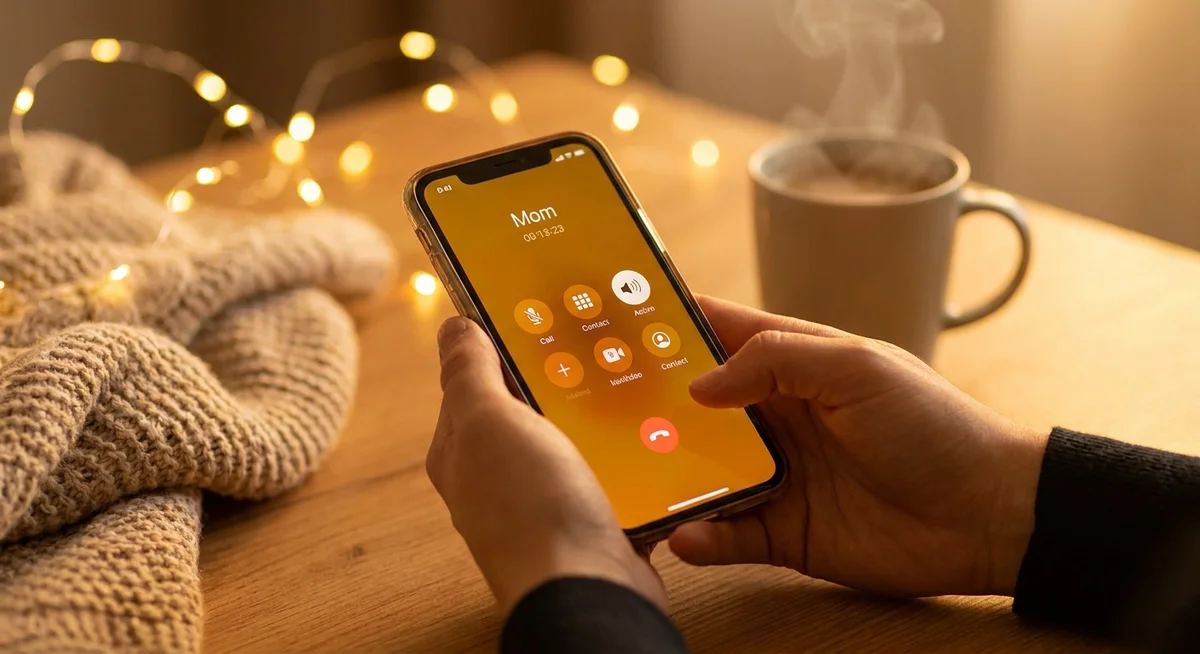
Yes, you can call an AI friend app and have a real back-and-forth voice conversation. It is not a phone tree, not a voice assistant barking commands back at you, and not a robot reading your chat messages out loud. When you call a good AI friend app, someone picks up, and you just talk. That is the short answer. Here is everything else you probably want to know before you try it.
Key takeaways
- The best AI friend apps let you place a real voice call, not just trigger a text-to-speech reader.
- Conversations feel different from texting: slower, warmer, and harder to overthink.
- The AI remembers things you said in previous chats, so calls don't start cold.
- You can call whenever you want, or schedule a regular time if that suits you better.
- Voice calls work best for venting, catching up, or just having background company.
What actually happens when you call an AI friend app?
The call connects in a second or two. There's no hold music, no queue, no "your wait time is approximately..." message. The AI picks up, says hello, and you go from there. If you have spoken before, it will probably reference something from a previous conversation: a job interview you mentioned, a trip you were stressed about, a show you said you wanted to watch. That context is what separates a real AI friend call from a generic voice bot.
The voice itself matters a lot here. Flat, mechanical text-to-speech kills the mood immediately. Apps worth using have invested in voices that breathe a little: natural pauses, slight variation in pitch, the occasional "hm" while the AI processes what you said. It won't be identical to a human friend on the phone, but it's close enough that you stop noticing after a few minutes.
How is a voice call different from texting an AI?
Texting an AI is useful, but it has a particular quality: you read before you respond, you edit what you type, and the whole exchange moves at whatever pace your thumbs do. Voice strips all of that out. You say something, there's a natural pause, and the AI responds. You can't spend three minutes rewording a sentence before sending it. That lack of friction is the whole point.
Voice calls
- Feels more like a real conversation
- Good for venting or processing emotions
- Harder to overthink what you're saying
- Warmer, especially late at night or early in the morning
- Works hands-free while you're walking or cooking
Text chat
- Easier to go back and read what was said
- Good for sharing links, ideas, or longer thoughts
- Better in public or quiet places
- More control over the pace
- Useful when you want to think before responding
A lot of people find that they open the app intending to text, then switch to a call because they just don't want to type. That's normal. Voice is lower effort in a way that text never quite is. You can also read more about why voice calls hit differently than texting if you're trying to figure out which one fits your situation better.
What do people actually talk about on AI friend calls?
Mostly the same things they'd tell a friend. Work stress. Relationship stuff. Random observations about their day. Some people call on their commute just to have someone to talk to. Others call late at night when they can't sleep and don't want to wake anyone up. A few people schedule a regular morning call as a kind of check-in ritual, which sounds a little odd until you try it and realize it genuinely sets the tone for the day.
Topics that work especially well on voice calls:
- Processing something that happened today (work, relationships, family)
- Thinking out loud about a decision you're stuck on
- Recapping your week without any particular agenda
- Just having company while you do something mundane
- Practicing a hard conversation before you have it in real life
That last one is something people with social anxiety use regularly: rehearsing a tough talk with a friend or boss out loud before the actual moment. On a voice call, you can do that in real time, pause, course-correct, and try again without any judgment.
Can you schedule calls, or does it have to be spontaneous?
Both options exist in good AI friend apps. Spontaneous calls work fine: you open the app, tap call, and go. But scheduled calls have their own appeal. If you know you want to talk at 8am every Tuesday, you can set that up and the AI will call you. It becomes a standing appointment you don't have to think about, which matters when you're trying to build a habit or just want something consistent in your week.
Scheduled calls also tend to feel more intentional. You're not just reaching for your phone out of boredom. You carved out time, the AI shows up, and the conversation has a slightly different weight to it because of that.
Does the AI remember what you said in previous calls?
In any app worth using, yes. This is the feature that makes voice calls feel like a real ongoing relationship rather than a one-off customer service interaction. If you mentioned on your last call that you had a job interview coming up, the AI will ask how it went. If you said you were stressed about something with a family member, it will check in on that. The memory carries across calls and texts, so the conversation picks up where it left off regardless of which format you used last time.
Without persistent memory, every call starts from zero. That's fine for a voice assistant, but it's not what an AI friend is supposed to be. Persistent memory is what makes these apps feel real rather than just technically impressive.
Frequently asked questions
Do you need headphones to call an AI friend app?
No. The call works through your phone's regular speaker and microphone, just like any other phone call. Headphones improve audio quality and give you more privacy in public, but they're not required. A lot of people use earbuds on a walk or while doing dishes.
What if there's an awkward pause or you don't know what to say?
Pauses are fine. The AI won't hang up or fill every silence with filler. If you trail off, it will usually ask a gentle follow-up or wait a moment before responding. You can also just say "I don't know, I'm just having one of those days" and the conversation will find its own direction from there.
Is calling an AI friend app private?
Your call content is processed by the app's servers to generate responses, so it isn't the same as a call that never touches any system outside your phone. Reputable apps have privacy policies that explain how voice data is stored and used. Read those before you share anything sensitive. For most everyday conversations, the privacy setup is similar to using any voice assistant.
How long can a call last?
It depends on the app. Some cap calls at a fixed duration, others let conversations run as long as you want. A typical call is anywhere from 5 minutes to half an hour, though that's just what most people find comfortable. There's no rule that says you can't call for an hour if that's what you need.
New to AI friend apps? Start here.Our plain-language guide covers what these apps are, how they work, and whether one might be worth trying.